 RefreshWatch
Price drop alert for Chrome
Waiting for a lower price? Let RefreshWatch reload the product page, read the price after every reload, and alert you when it drops below the number you choose. It works as a free price tracker for any page you have open.
Set it up in a minute
- Open the product page and click the RefreshWatch icon. Choose the Price drop preset, or choose Price or number under Watch for changes.
- Click Pick element and click the price on the page. Pick just the price, not the whole product box, so a “Save 20%” badge or a monthly installment isn't read instead.
- Next to Alert when it, choose drops below and type your number, such as 120. You can also choose rises above, drops at all or rises at all.
- Pick how often to refresh. Every 5 to 15 minutes is plenty for prices.
- Click Start. Chrome asks to let RefreshWatch read that one site; allow it.
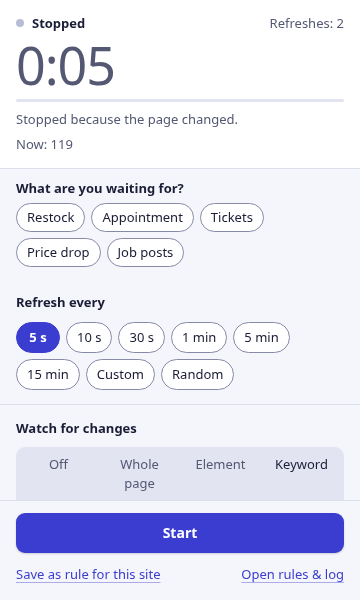
When the price crosses your number you get a desktop notification and a sound, and refreshing stops so the page stays as it was.
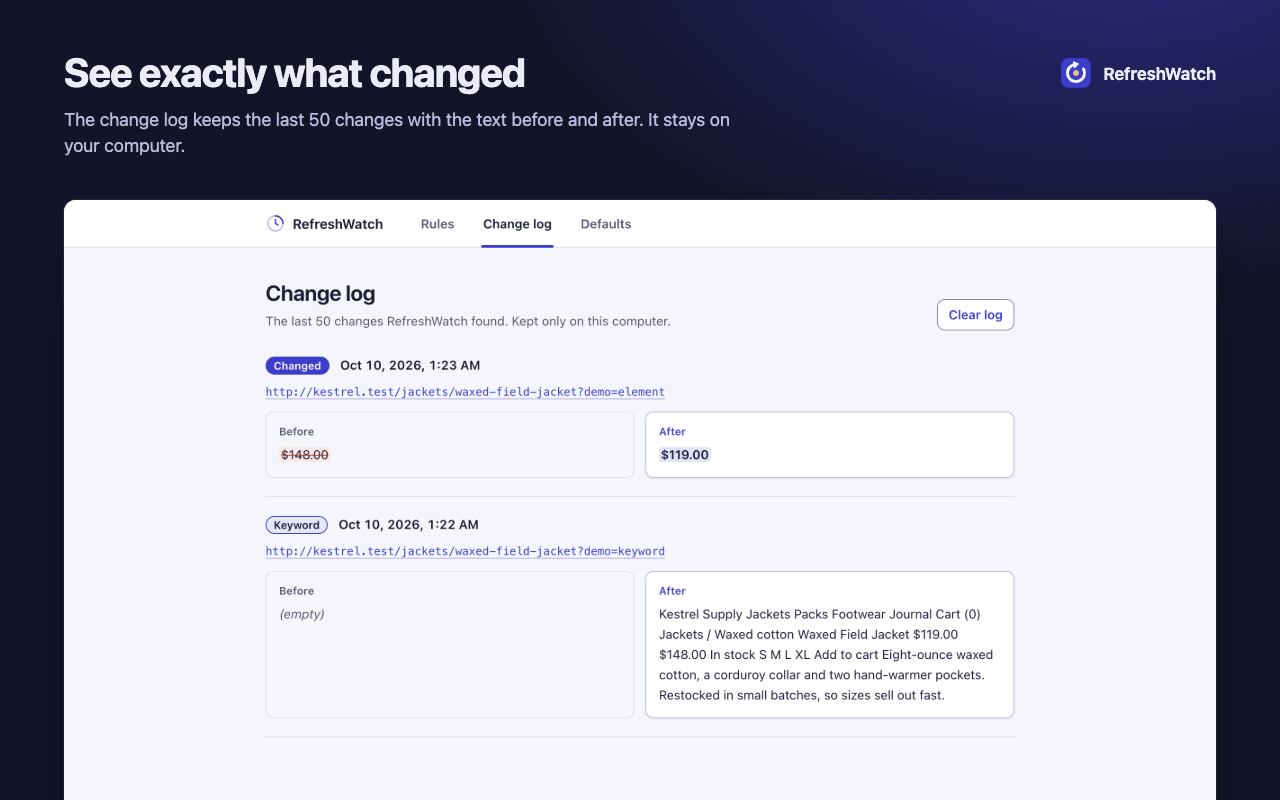
See what it read
The popup shows Now: with the number RefreshWatch found in the element you picked. If it isn't the price you expected, pick the element again. A price written with three decimals, like 1.500, is read as 1500, and prices with Arabic-Indic digits are read like any other.
The change log on the options page keeps each change, such as a price going from $148.00 to $119.00.
Get the alert on your phone
Prices usually drop while you're away from the screen. Switch on Send to my phone and the alert also goes to ntfy, Discord, Telegram, Slack or any webhook. The phone alerts guide has the steps for each.
Related watches
- Restock alert: choose Keyword and alert when “Sold out” disappears or “In stock” appears. The website change alert guide shows how.
- Appointment slot: use Click after reload to press a button such as “Next month” or “Show times” before the page is checked, then watch for the slot.
Good to know
RefreshWatch checks pages in open tabs, while Chrome is running. It doesn't check prices in the cloud when your computer is off.
It reads the price shown on the page. It doesn't know about coupons, taxes or shipping that appear later in checkout.
Reloading a shop every few seconds for hours is heavy on the site. A few minutes between checks is kinder, and enough.